Fake Live / Instagram-style fake live
A fake IG-style live
in a few taps
Switch the room to the Instagram style and you get the clean IG live look: comment list at the bottom, viewer count up top, and a comment box where you can reply as the host.
Free to use · fakelive.krisfun.com is the only official site
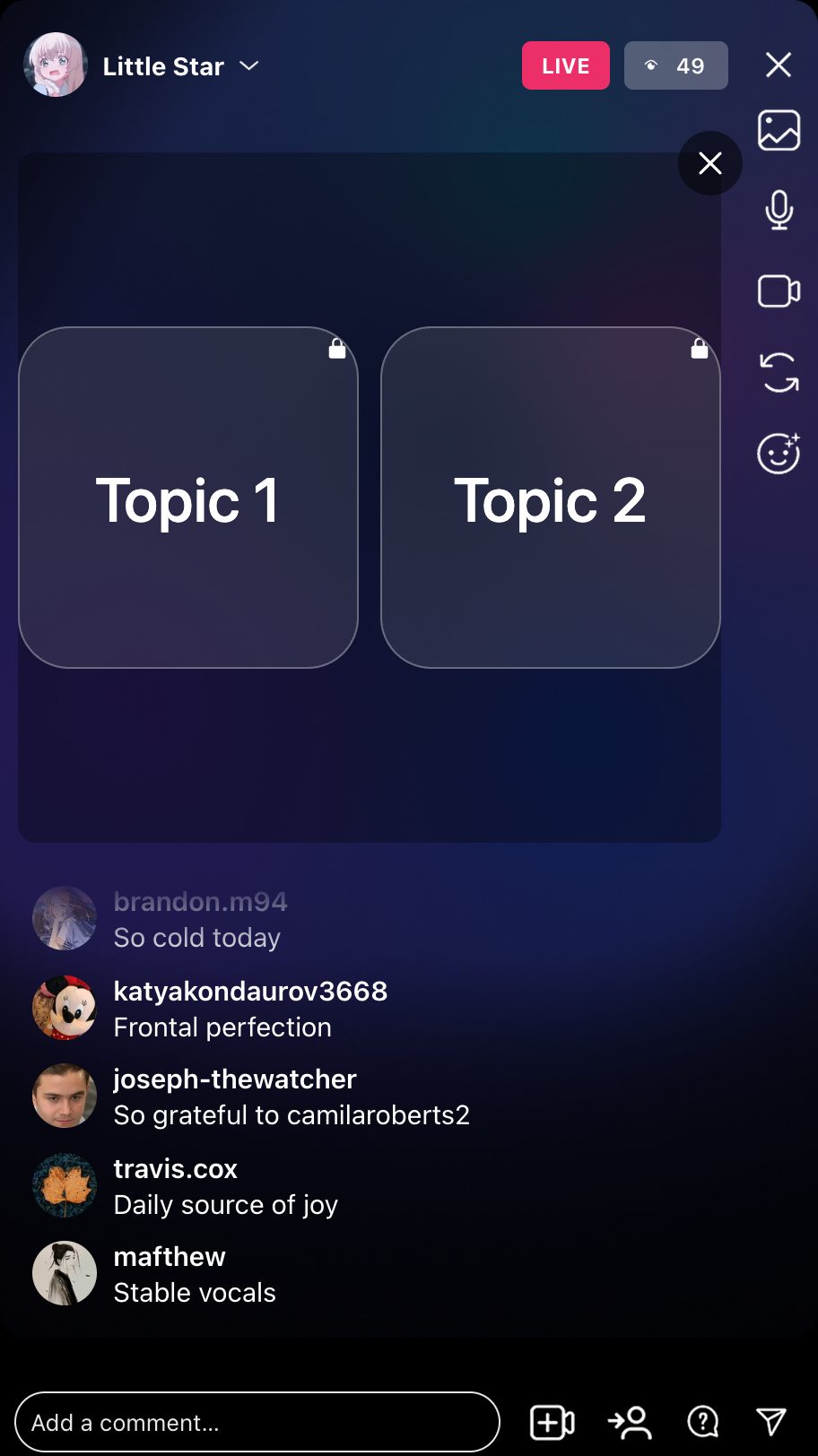
IG-style room
Looks like an
IG live, feels busy
Comments arrive at a natural pace, the viewer count climbs, and you can type your own lines into the comment box as the host.
- IG-style comment list with avatars and usernames
- Viewer count and live badge at the top
- Host comment box: your messages show up in the chat
- Comments in 53 languages, plus your own topics
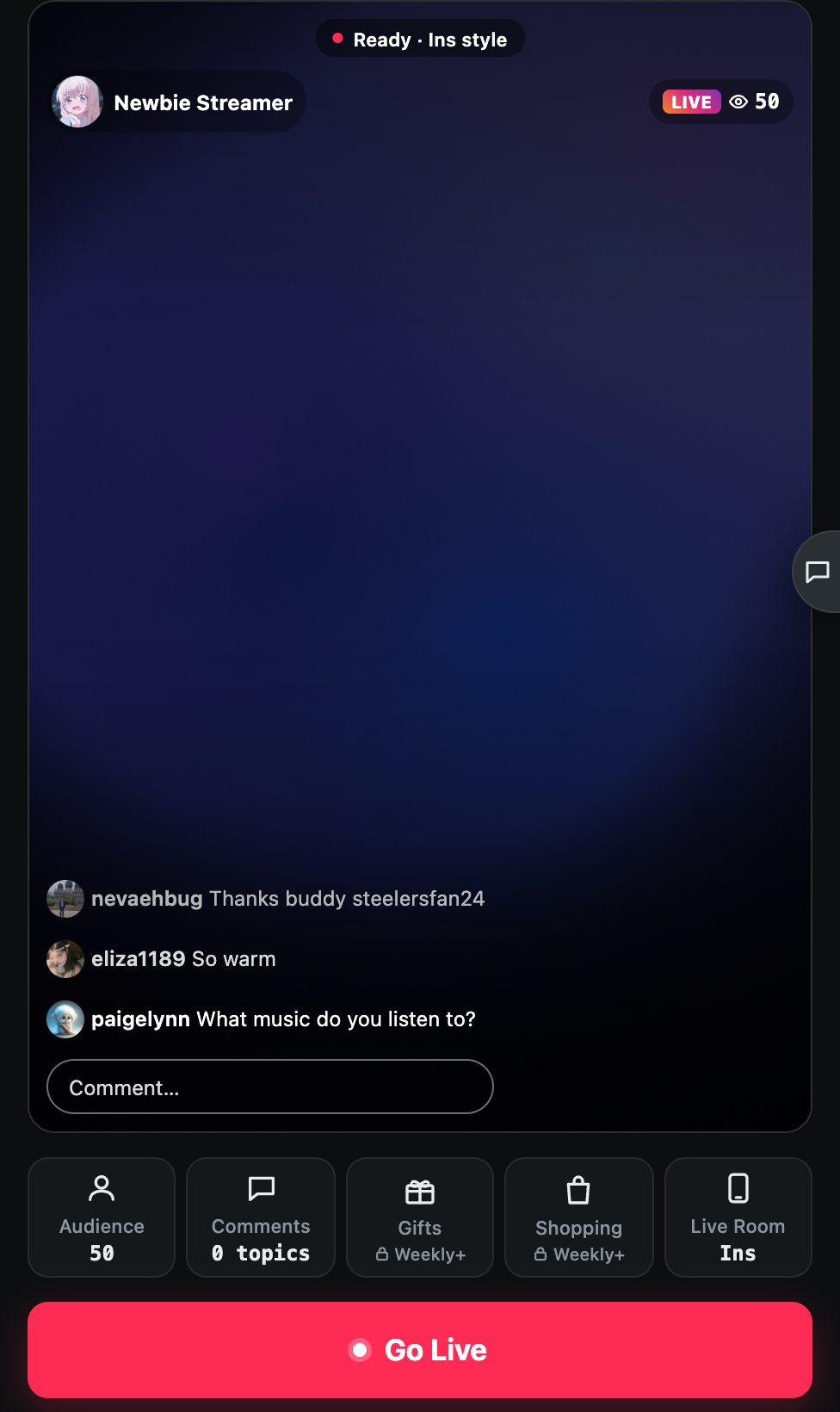
Phone or browser
Set it up in
under a minute
Pick the Instagram style, choose your audience and start. In the app you can also bring a guest in a top-and-bottom split, just like an IG live with a friend.
- Top/bottom split-screen guest layout in the app
- Green screen, image or local video as the picture
- Camera with beauty filters in the app
- Built-in recording on iPhone and Android
How it works
Choose the Instagram style
In the app or web version, set the live room style to Instagram.
Set your audience
Pick how many viewers and how fast comments come in.
Go live and film it
Start the room, reply in the comment box, and record your screen.
Fake Live is a simulator. The viewers and comments are generated on your device and nothing is broadcast to Instagram or any other platform.
It is popular for prank videos, content that needs a lively live-stream look, and for practicing how you talk to a chat. The same room can also switch to TikTok or Douyin style.
FAQ
Is this connected to Instagram?
No. Fake Live is an independent simulator with an Instagram-style layout. It is not affiliated with or endorsed by Instagram or Meta.
Will my followers see it?
No. Nothing is posted or broadcast. Only you see the room, unless you record it and share the video yourself.
Can I type my own comments?
Yes. In the Instagram style, tap the comment box and send messages as the host; they appear in the chat like real comments.
Does it work in a browser?
Yes. Open fakelive.krisfun.com/app/ on a computer or phone and choose the Instagram style. Use a green screen, image or video as the picture.
Is it free?
Free to download and free to go live. Extra viewers, effects and features can be unlocked with VIP or coins. Prices are shown in the app.
More ways to use Fake Live
Instagram is a trademark of Meta Platforms, Inc. Fake Live is not affiliated with Instagram; "Instagram-style" only describes the look of the live room.

Start your first stream now
Get the app on iPhone or Android, or open the web version on your computer.